









A game that loads on a phone is not necessarily comfortable to play there. Touch controls share space with the picture, provide no physical button edges, and can turn an easy simultaneous input into an awkward reach. Choose a cabinet by the actions it needs, then check those actions on your own device.
This is an assessment method, not a list of phones we have benchmarked. The control examples come from Retro-Arcade’s catalogue. A “phone friendly” label means a touch mapping is offered; it does not guarantee a particular frame rate, comfort level, or score.
Count actions, not just buttons
| Example | Actions to check | A useful first test |
|---|---|---|
| Pac-Man | Four directions | Can you make a deliberate turn without your thumb drifting into another direction? |
| Galaga | Move left or right while firing | Can you hold fire and move without one touch releasing the other? |
| Asteroids | Rotate, thrust, fire, and hyperspace | Can you rotate while thrusting and firing, and still find hyperspace? |
The examples illustrate increasing coordination, not a universal difficulty order. Someone comfortable with several touch buttons may prefer Asteroids to precise maze turns. Check the current game page for its access tier before launching; the names here are not a promise of free or unrestricted play.
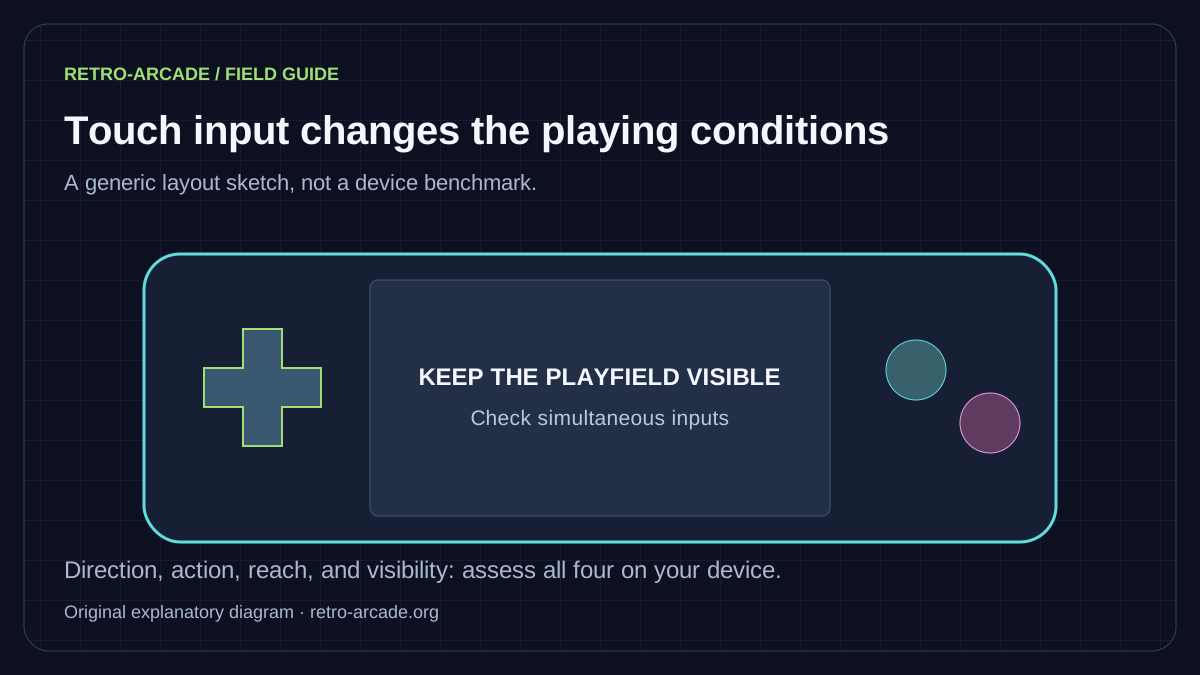
Use a short, repeatable check
- Look before touching. Can you read the player, hazards, score, and remaining lives? Keep the intended picture shape rather than stretching the image to fill the screen.
- Try one input at a time. Establish that each direction and button produces the intended action.
- Try the combination the game needs. For a shooter, move and fire together. For a platform game, move and jump. Test in ordinary play before committing to a ranked run.
- Release everything. Check that movement stops. After switching apps or tabs, tap the player and retest before continuing.
- Try the other orientation. Compare the usable game picture and thumb reach, not simply which orientation fills more pixels.
Keep the game and browser unchanged while comparing orientation. If you also change the controller, power mode, and display size, you will not know what caused an improvement. A brief note such as “landscape makes the bottom lane visible, but the far button is hard to reach” is more useful than a blanket “mobile works”.
Know when touch is the wrong fit
A spinner, trackball, steering wheel, or pair of sticks gives the original player a particular kind of input. Mapping that input onto glass changes the relationship between your hand and the game. More buttons also need more space. A keyboard or compatible physical controller may help, but those remain different devices from the original panel.
Connect a controller before starting a serious run, then check its mapping. Browser exposure of gamepads and their button layouts varies. MDN’s Gamepad API guide explains how browsers identify connected devices. Do not assume a pad is working merely because Bluetooth pairing succeeded.
Distinguish a control problem from a performance problem
If the animation and sound remain smooth but a button does nothing, first inspect mapping, focus, and simultaneous-touch behaviour. If movement, animation, and sound all become uneven, reduce other work on the device and compare a second, simpler cabinet. This does not diagnose every fault, but it narrows the report.
Record the phone model, operating system, browser version, orientation, and the exact combination that failed. Mention whether the problem occurs immediately or after playing for a while. Use Contact for reproducible problems and the player help page for focus, audio, and fullscreen steps.
What players are saying…
No comments have cleared the cabinet yet. Be the first player to join in.
Leave your comment
Sign in with a confirmed player account to join the conversation.
Sign in to comment